Docs
Local AI models
Models developers run on their laptops through Ollama, LM Studio or Hugging Face. ZYBE lists them, warns when a model server is open to the network, and can hold downloads for review.
What's collected
Names and sizes. A model file is never opened.
| Source | What's listed |
|---|---|
| Ollama | Each model and tag, where it came from, its size |
| Hugging Face cache | Each repository downloaded, its size |
| LM Studio | Each model file, its size |
And the servers: Ollama, LM Studio, llama.cpp, KoboldCpp, LocalAI, Jan, with the port each listens on and whether it's open to the network.
See them
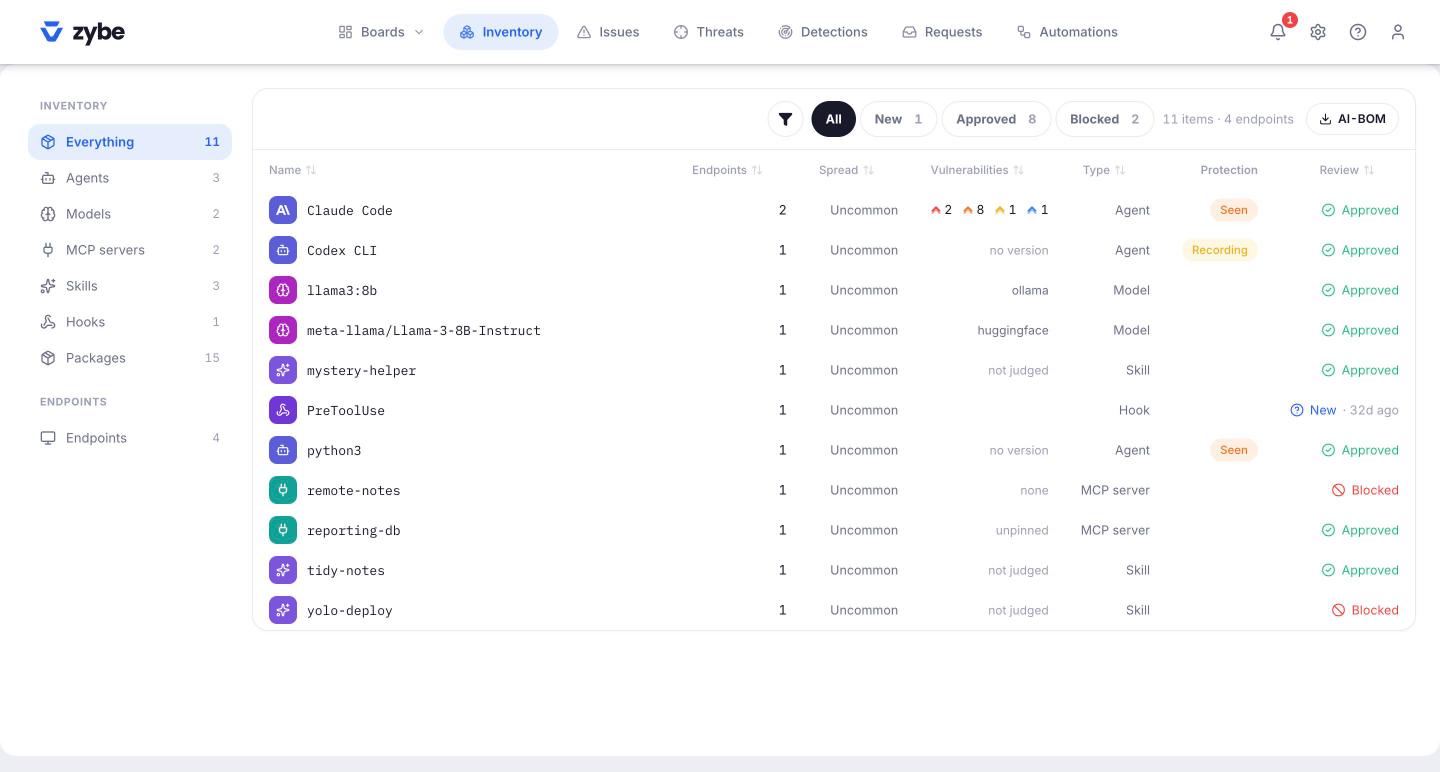
Click Inventory, then Models in the left rail. Open one for its runtime, source, size and where it's served. A model marked reachable on the network is served on a port bound to every interface.
The finding
Local model server reachable from the network, severity High: the server listens on every network interface, so anyone who can reach the laptop can run prompts through it and read what it has loaded. The fix is to bind it to localhost. The remediation says how.
A program on the laptop that talks to a local model server and isn't a known AI tool raises Agent nobody shipped.
Hold downloads for review
- Click the gear icon, then Rules. In Unreviewed, set Models to Hold for review.
- From then on, on every laptop where the AI tool shows Blocking,
ollama pull,ollama runandhuggingface-cli downloadof a model you haven't approved are refused. The developer sees "Held for review by your organisation" and a link. - The link opens Ask to download this. They say why and click Send to an administrator.
- On Requests, the request shows with the kind Model. Allow, Allow 7 days, 30 days or Deny. Allowing approves the model by name.
A model you've blocked by name is refused with "may not be downloaded".