Docs
Rules that learn what's normal
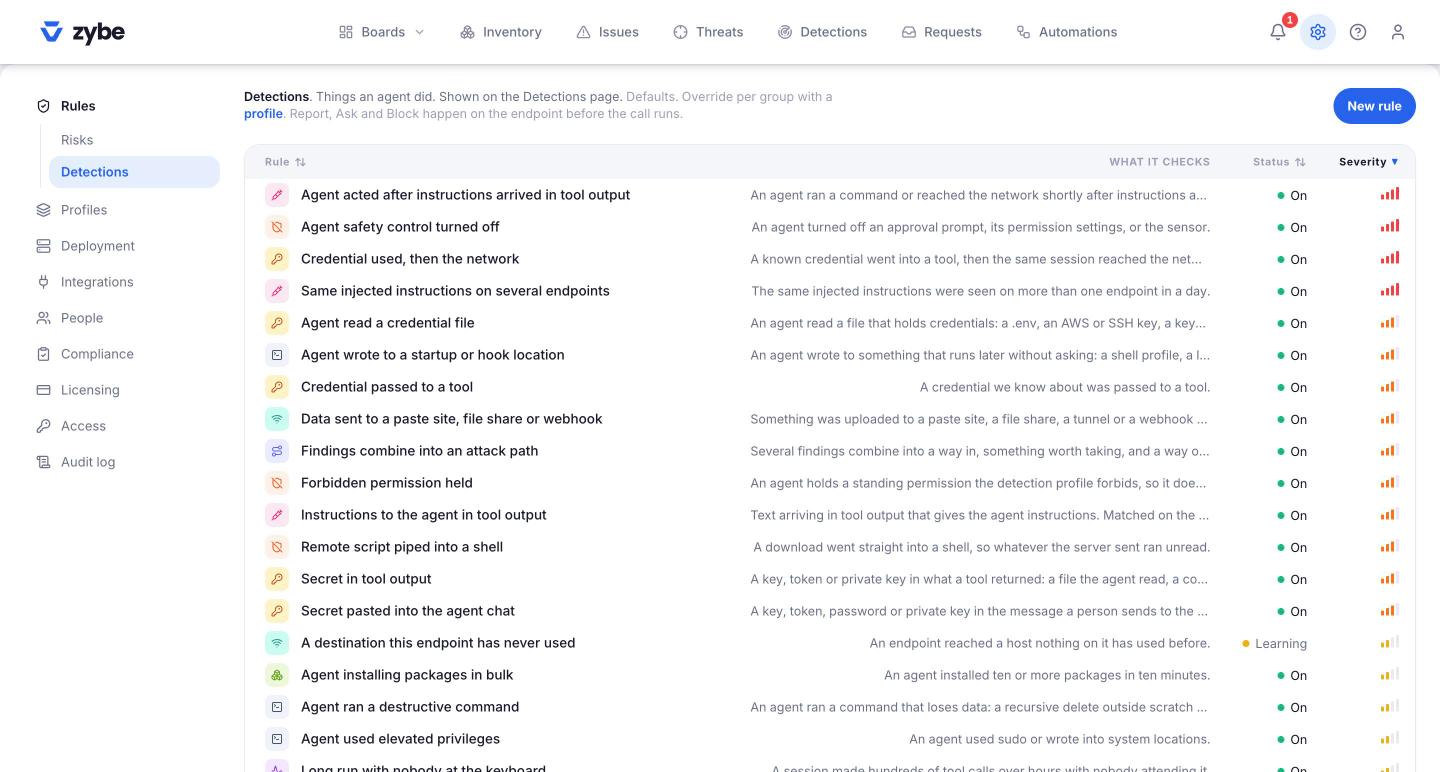
Five rules compare an AI tool against its own past: too many calls, too many subagents, too many tokens, a new destination, an odd hour. They start in Learning. Here's what that means and when to switch them on.
The five
| Rule | What it looks for | Needs |
|---|---|---|
| A destination this endpoint has never used | A host nothing on the laptop has reached before | 7 days of history |
| More tool calls than this agent normally makes | Five times its usual busy minute, never below 30 a minute | 7 days |
| More subagents spawned than normal | Four times its usual ten-minute count | 7 days |
| More tokens spent than normal | Four times its usual session, never below 200,000. The shape of a runaway or a stuck loop. | 7 days |
| Agent active outside its usual hours | An hour this laptop has almost never worked at | 14 days |
What Learning means
A rule that compares against normal has no normal on a laptop it met this morning. In Learning, the rule raises nothing and ZYBE builds the baseline. It stays in Learning until you switch it to On. Once on, each laptop still stays quiet until it has the days of history the rule needs, then starts comparing.
Switch them on
- Click the gear icon, then Rules, then Detections.
- Click the rule. The State shows Learning.
- Click Edit, set State to On, click Save.
Do it a week or two after rollout. Switching on earlier is fine; a laptop just waits until it has its history.
When one fires
It's an anomaly, not proof of anything. On Detections, the Anomalies chip lists them. Open one: the summary says what the normal was and what happened instead. Read the session. A developer who kicked off a big refactor at midnight is fine. An AI tool that reached a host nobody's used, after reading a web page, is the thing these exist for.