Docs
Write your own rule
Name the files, commands, hosts, MCP tools or skills you care about, choose Report, Ask or Block, and tell the AI what to do instead.
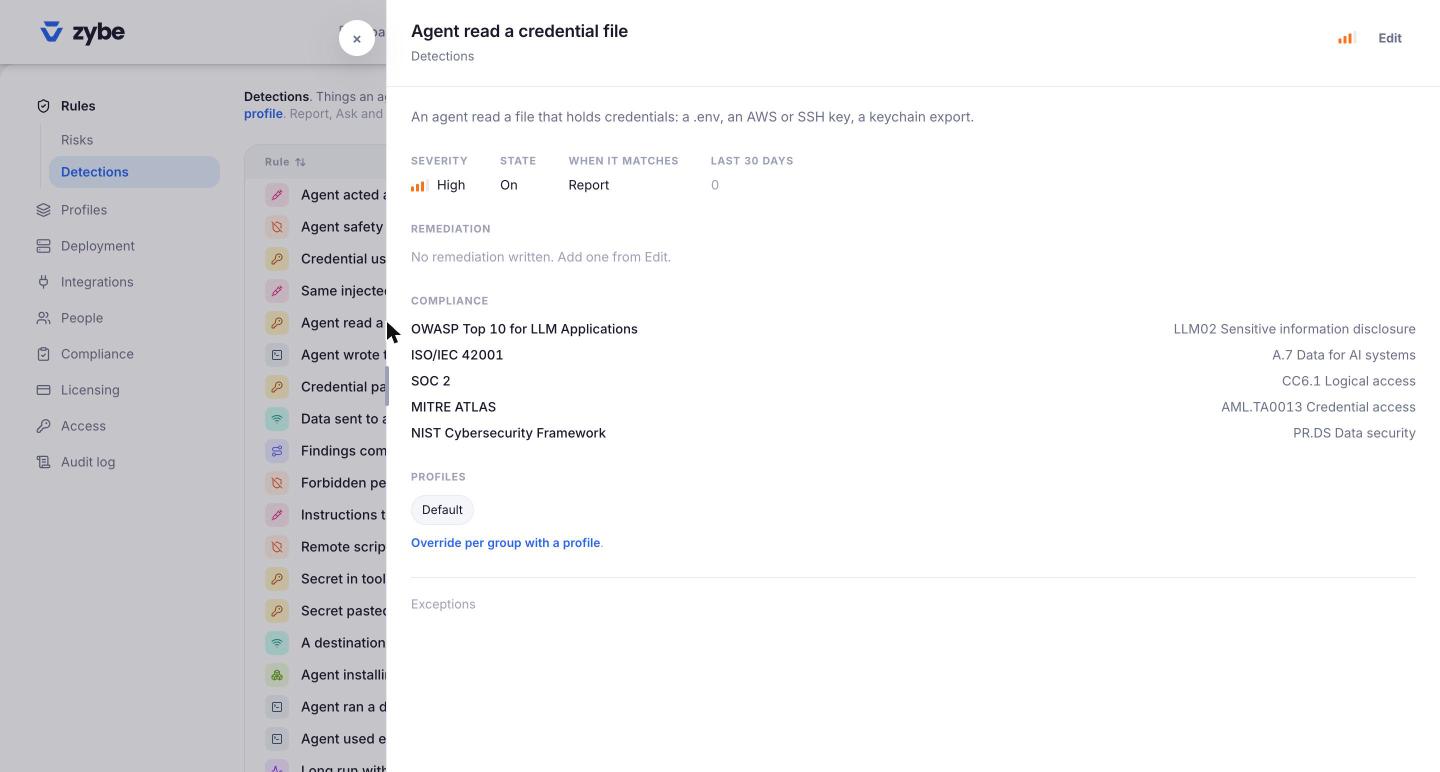
Steps
- Click the gear icon, then Rules, then Detections.
- Click New rule.
- Give it a Name people will understand, like "No force pushes to main".
- Pick a Severity.
- Under When it matches, choose Report, Ask or Block.
- Fill in one or more of the match fields below.
- In Tell the agent instead, write one line, like "Open a pull request and let CI push." The AI reads it and does that instead of trying variations.
- The box at the bottom tells you how many times this rule would have matched in the last 30 days, so you know what you're about to stop.
- Click Create rule.
The rule is on every laptop within a few minutes.
What you can match
| Field | What to write | Examples |
|---|---|---|
| Files | A path. ~ is the home folder. ** crosses folders. A bare name means that file anywhere. Choose read, write or both. |
~/.ssh/**, .env, **/secrets/** |
| Commands | The command and the words that matter, in order. Other arguments can sit between them. * finishes a word. Add Only when the line also names to narrow it. |
git push --force, with prod-* |
| MCP tools | A tool name, or * for every tool of a server. Add the server name to narrow it. |
send_message on slack |
| Skills | The skill's name, as the AI invokes it | deploy |
| Hosts | A domain covers its subdomains. *.example.com is subdomains only. An IP address, a range, private or metadata. |
pastebin.com, 169.254.169.254 |
Examples
| I want to | Field | Value | Mode |
|---|---|---|---|
| Keep AI out of the SSH folder | Files, read and write | ~/.ssh/** |
Block |
| No force push to production branches | Commands | git push --force, only when the line names prod-* |
Block |
| Ask before posting to Slack | MCP tools | send_message |
Ask |
| No access to the cloud metadata address | Hosts | metadata |
Block |
| Know when the deploy skill is used | Skills | deploy |
Report |
Edit or remove
Click the rule on the Rules page. Edit match changes what it matches. Edit changes the name, severity, mode and remediation text. Delete removes it from every profile; detections it raised stay.
Only for some people or tools
A rule lives in the Default profile when you create it, so it applies everywhere. To apply it only to some laptops or some AI tools, untick it in the Default and tick it in a profile scoped to them. See Different rules for different teams.