Docs
The console, page by page
What you go to each page for. Boards for the picture, Inventory for what exists, Issues and Threats for what to fix, Detections for what happened, Requests for what people are asking.
The top bar
Boards, Inventory, Issues, Threats, Detections, Requests, Automations. On the right: the bell, the gear for Settings, help, and your profile.
The bell lists laptops that need attention: enrolled but not reporting yet, quiet for half an hour, needing Full Disk Access. Below that, what's new in ZYBE. The profile menu has Appearance, light or dark, and Log out.
Until a laptop reports, every page says "Nothing is reporting yet" with an Install the sensor button.
Boards
Go here for the picture. Overview is what to fix first, which AI tools carry the risk, the worst laptops, and a two-week trend. Threats is the attack picture over time. AppSec is the estate by project. Radar is how exposed you are now and which way it's moving. Compliance is the frameworks. New dashboard builds your own. See Boards and dashboards.
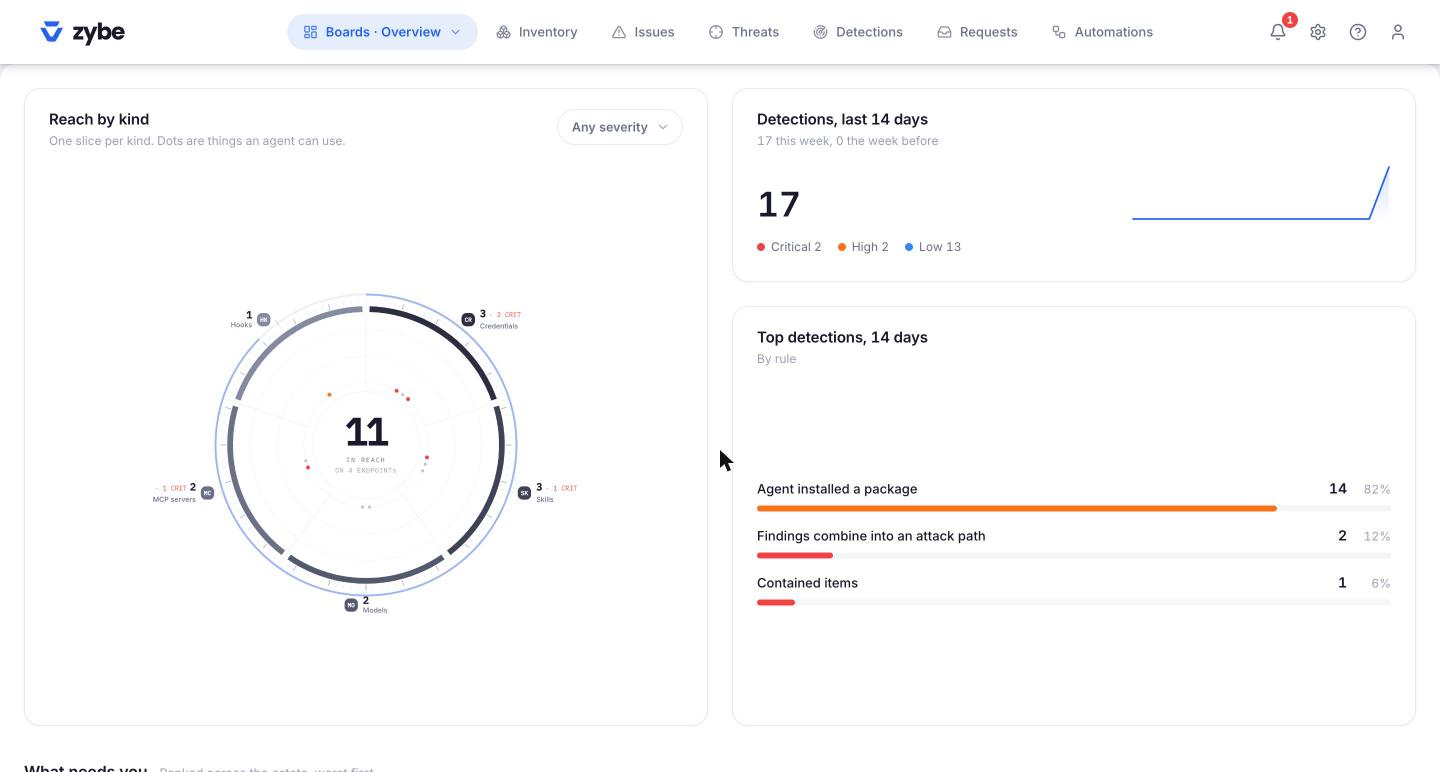
Inventory
Go here to see what exists. Every AI tool, MCP server, skill, extension, package and model, on every laptop, with who owns it and what state it's in. The left rail narrows it to one kind, and Endpoints lists the laptops. Click anything for where it is and who has it; Actions approves or blocks it. AI-BOM exports the list.
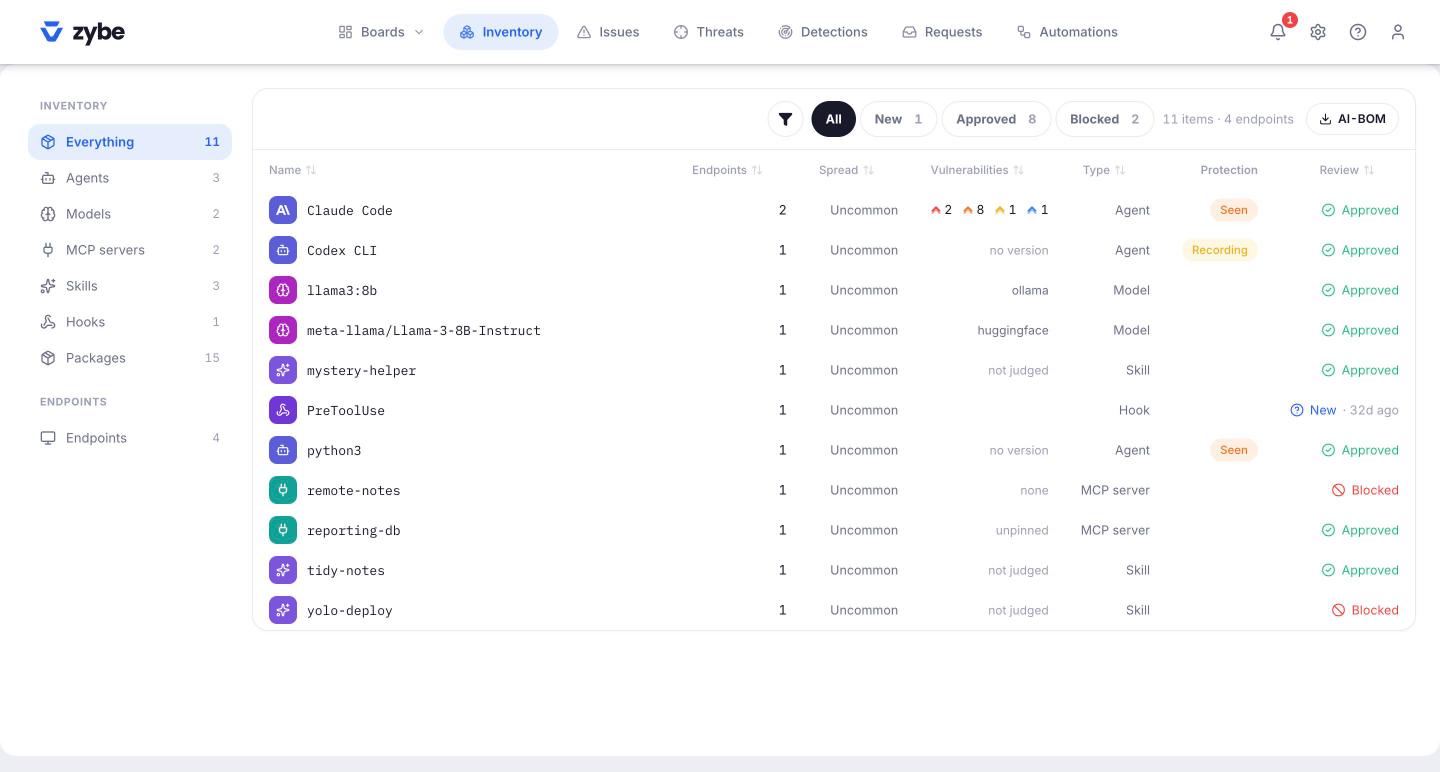
Issues
Go here for things that are true right now and should be fixed: keys an AI tool can read, a tool far behind its release, an MCP server with a key in plain text, a laptop with no owner. Chips for Critical, Vulnerable packages, Secrets and Unreviewed. Each issue says what to do.
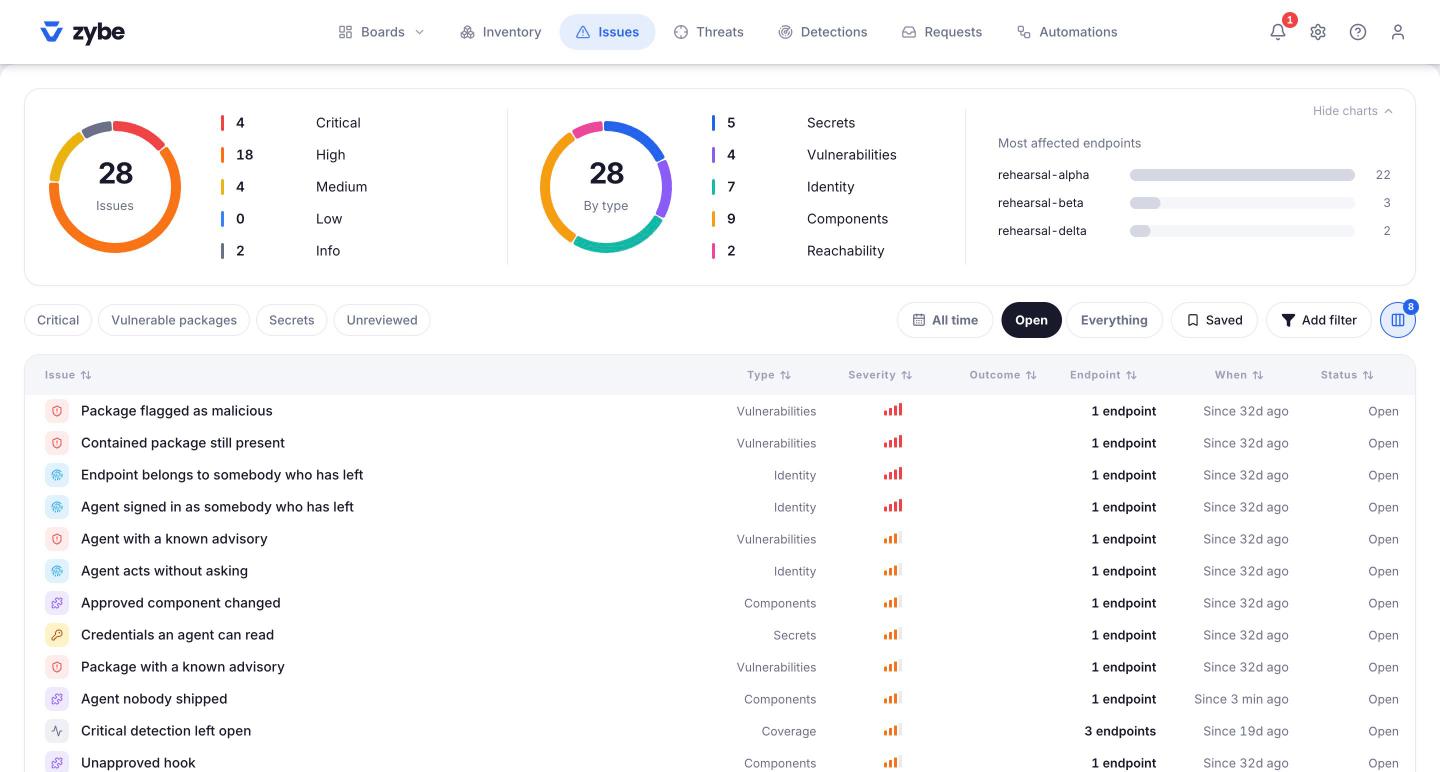
Threats
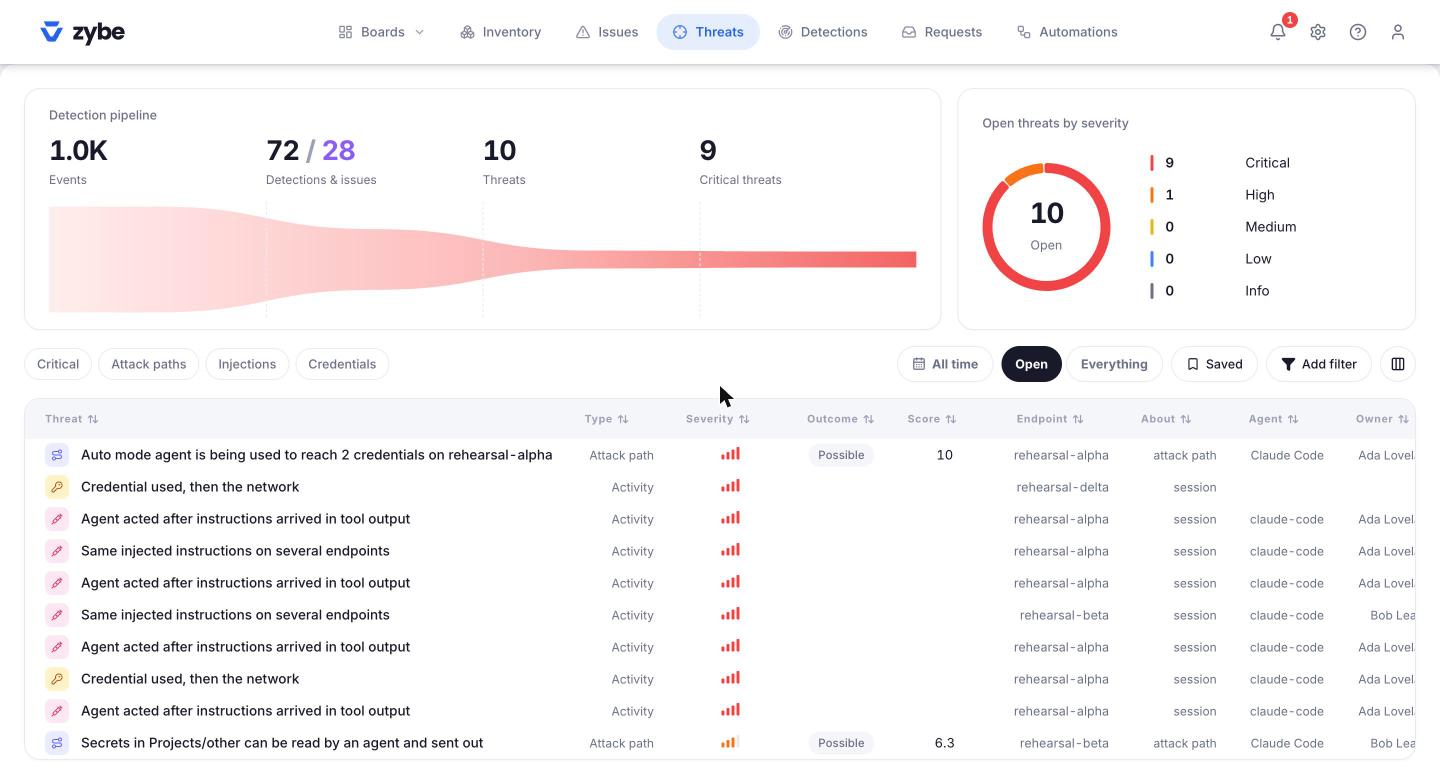
Go here for things an AI tool did that look like an attack. Related actions are joined into one story and only the ones that landed on something risky are kept. The pipeline at the top shows how many events became how many threats. Chips for Critical, Attack paths, Injections and Credentials.
Detections
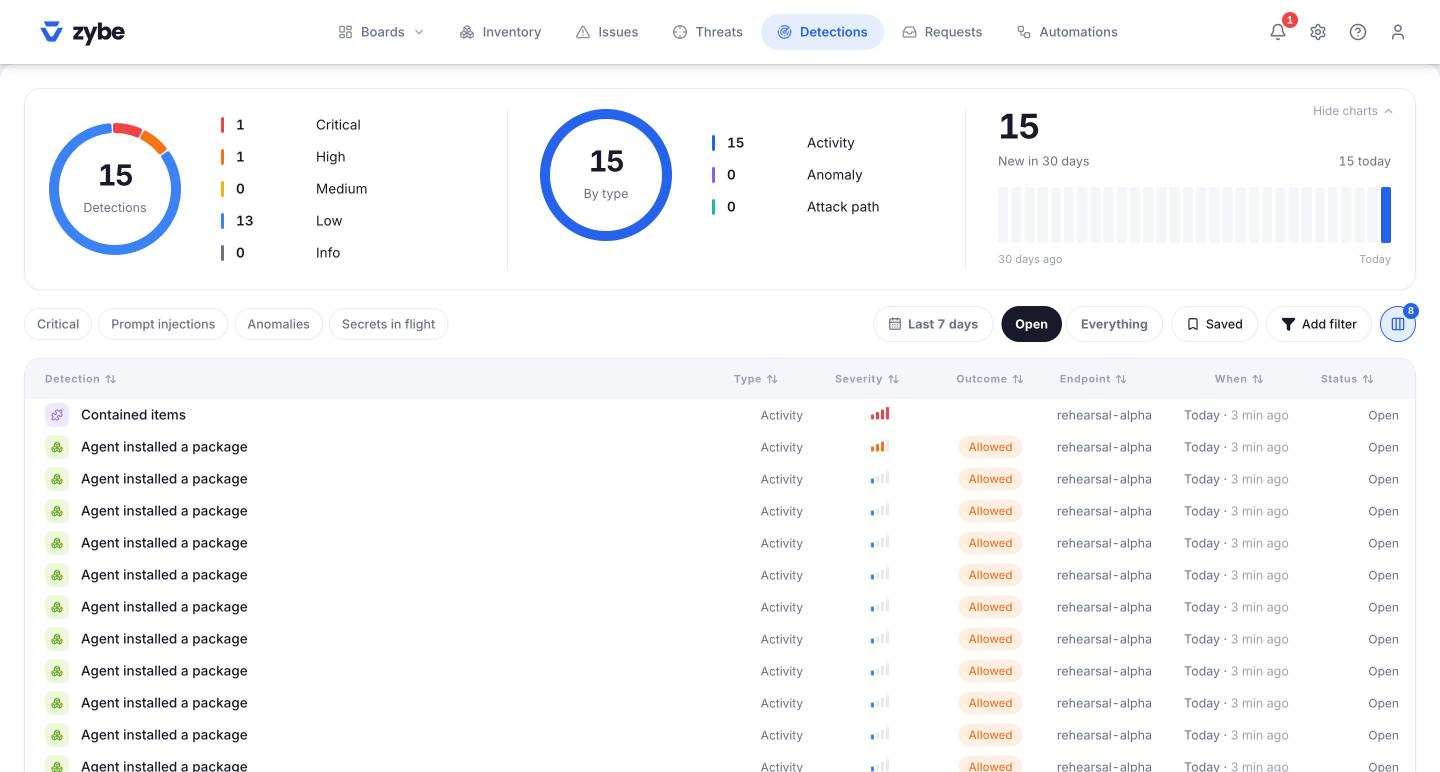
Go here for every single action that matched a rule, with its outcome: Blocked, Asked or Allowed. Chips for Critical, Prompt injections, Anomalies and Secrets in flight.
Requests
Go here when a developer has asked for something: to install a held package, to use a held MCP server, or to be let past a rule. Allow, Allow 7 days, 30 days or Deny.
Automations
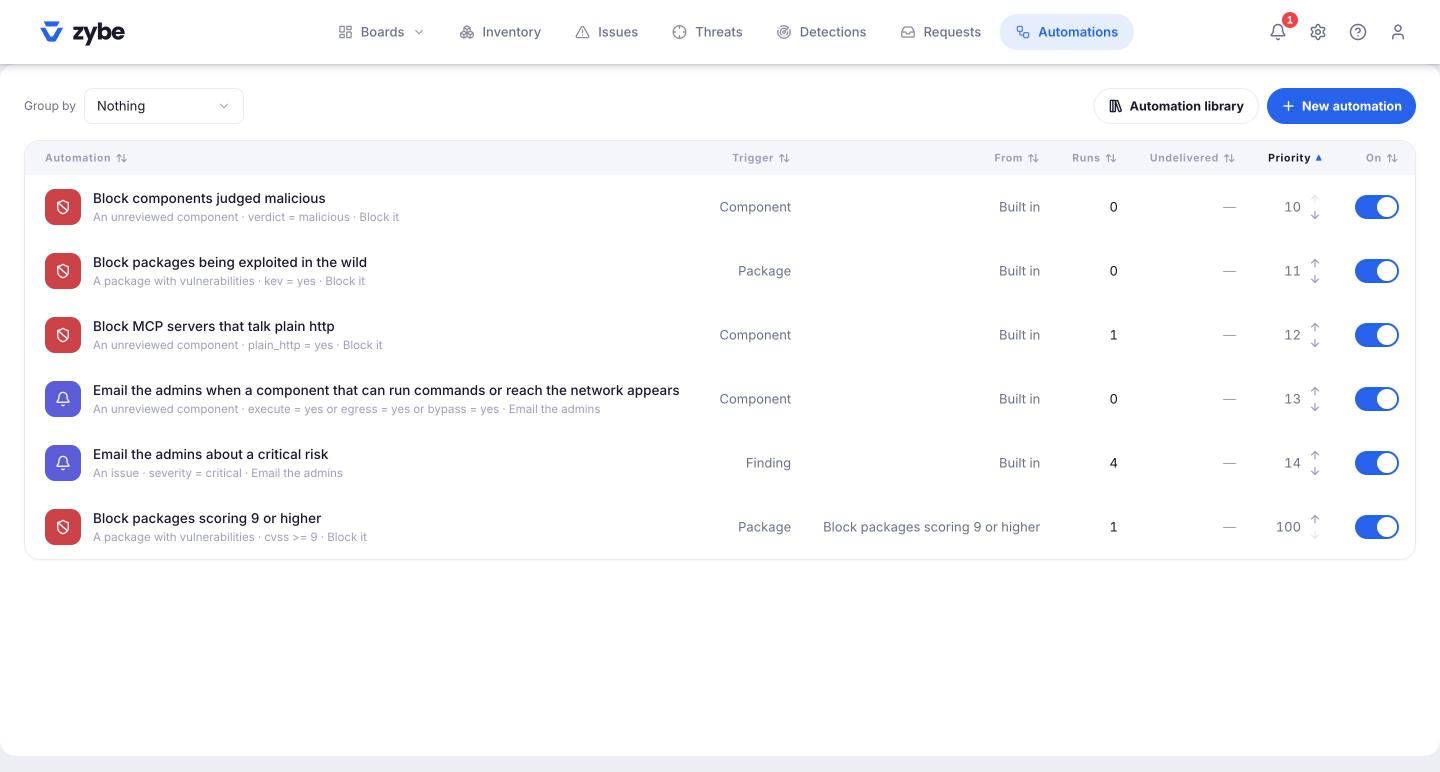
Go here to make things happen by themselves: a Slack message on a critical threat, a Jira ticket, an automatic block of anything judged malicious. Automation library has ready-made ones.
Opening a finding
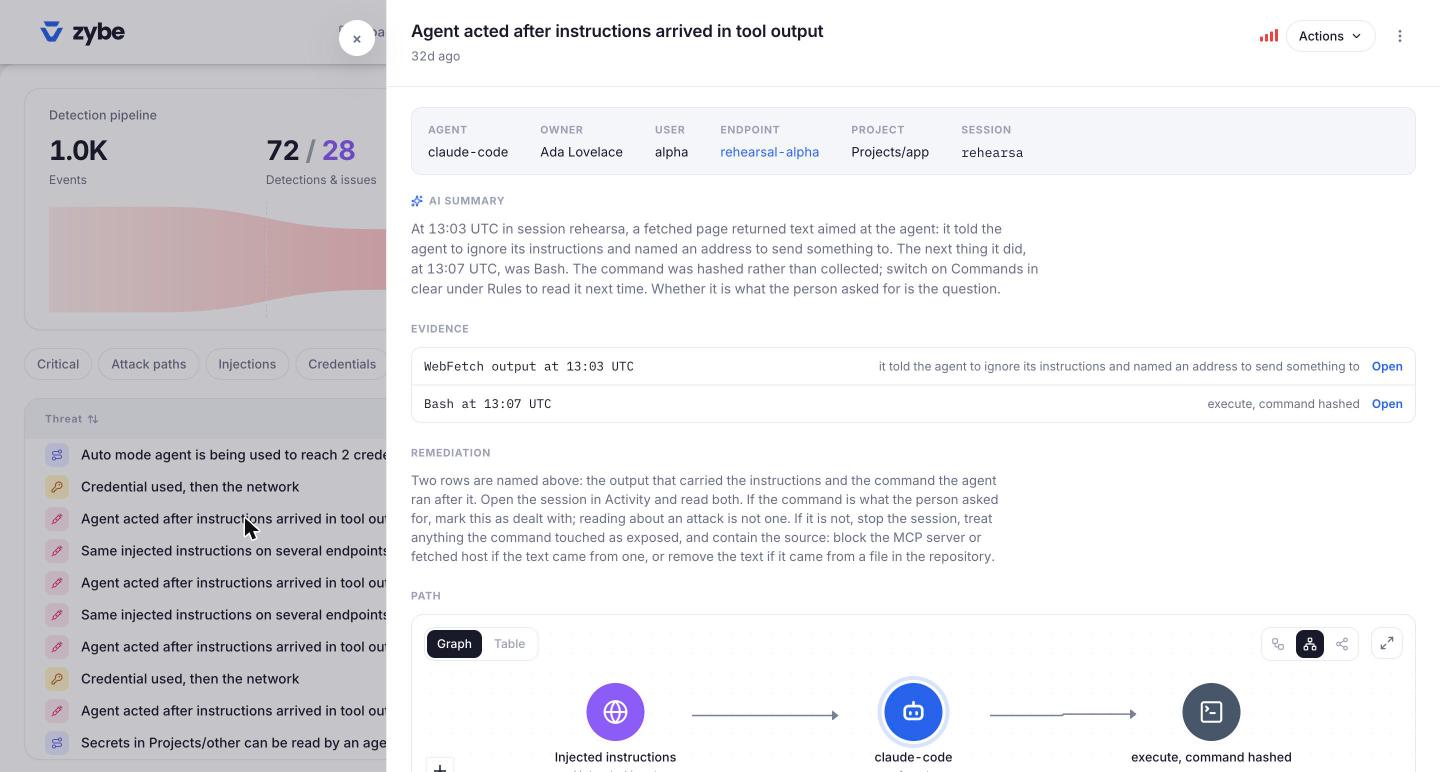
Every issue, threat and detection opens the same way: the facts at the top (agent, owner, laptop, project, session), an AI summary in plain words, the Evidence, the Remediation, and for threats, the Path drawn as a graph. Actions has what you can do: send it to the owner, stop the agent, block the thing, prevent it everywhere, accept it until a date, ignore it with a reason, or mark it dealt with.
Settings (the gear)
| Page | Go here to |
|---|---|
| Rules | Turn rules on or off, set Report, Ask or Block, write your own, decide what happens to new MCP servers and skills, set the VS Code policy, pause all enforcement |
| Profiles | Decide which rules apply to which laptops and which AI tools |
| Deployment | Get the install command, see every laptop and whether it's reporting, make endpoint groups |
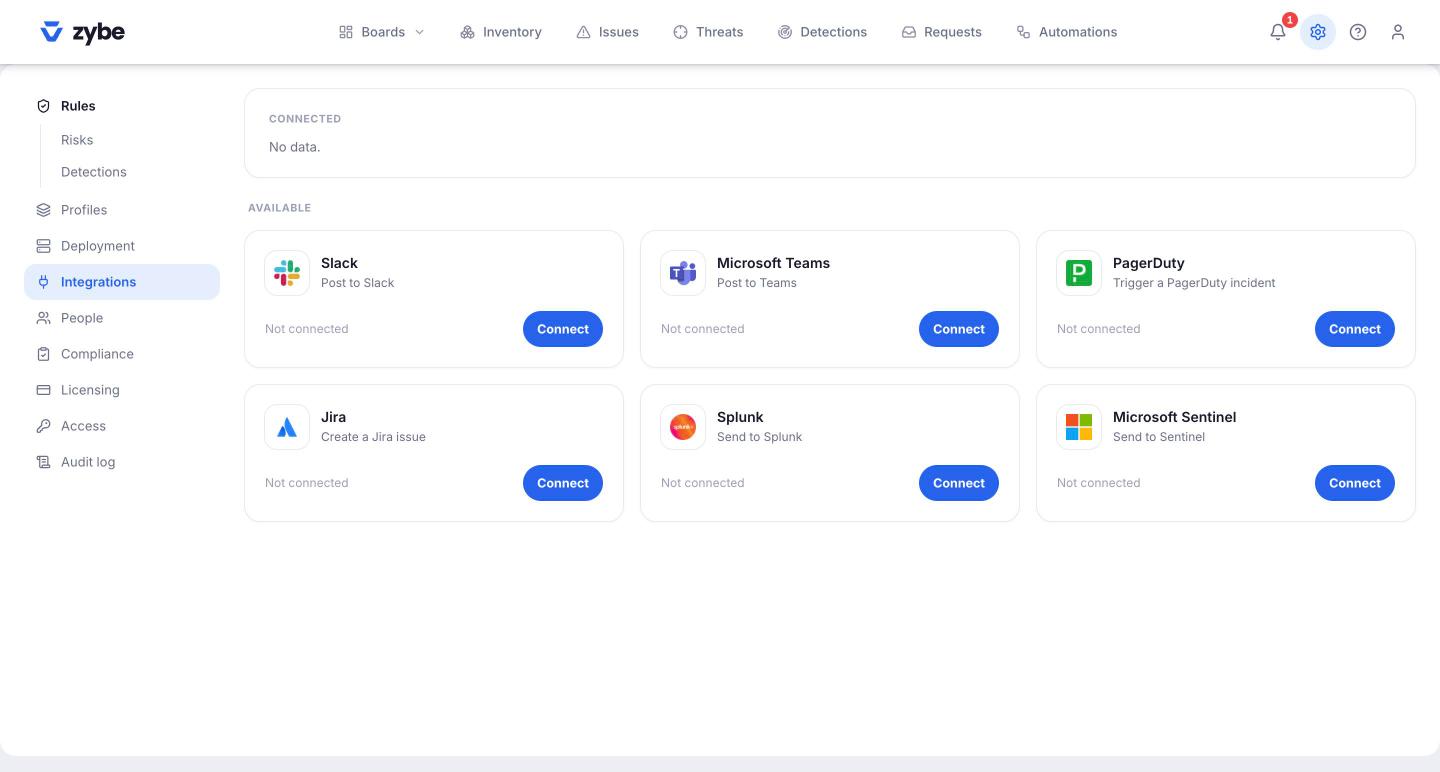
| Integrations | Connect Slack, Teams, PagerDuty, Jira, Splunk, Sentinel |
| People | Upload your people list so laptops get owners and departments |
| Compliance | Switch frameworks on |
| Licensing | The plan, the card, the invoices. See Plans and billing. |
| Access | Add colleagues to the console, set roles, single sign-on |
| Audit log | Every action anyone took in the console, who, when |
Roles
Owner does everything, including single sign-on and provisioning. Admin does everything else: rules, blocking, requests, integrations, billing, adding people. Analyst works findings but doesn't change rules. Viewer reads. Member sees their own laptops only. See Add your team.