Docs
Ask the developer instead of blocking
Ask pauses the AI tool, shows the developer ZYBE's reason, and lets them decide. Good for rules where there's sometimes a legitimate reason.
What Ask does
Set a rule to Ask and, when it matches, the AI tool stops and shows the developer a prompt with ZYBE's reason. The developer says yes or no. Either way the attempt is on your Detections page with the outcome Asked.
Use it for things that are usually fine but worth a pause: sudo, installing from a URL, reading a credential file in a project that genuinely needs it.
Steps
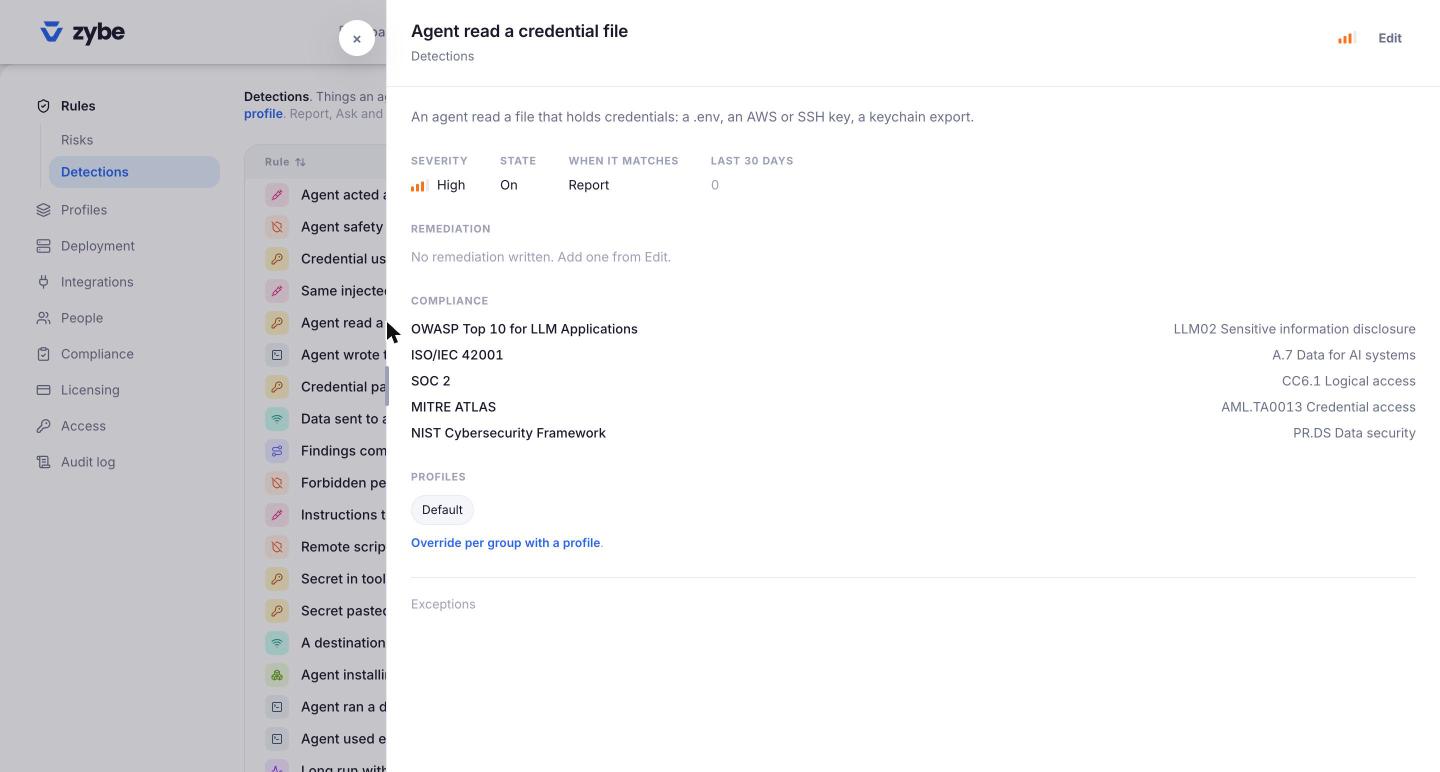
- Click the gear icon, then Rules, then Detections.
- Click the rule, click Edit, set When it matches to Ask, click Save.
Which AI tools support Ask
Claude Code, Cursor, Codex CLI, VS Code with Copilot Chat, Copilot CLI, Antigravity, Hermes Agent and OpenClaw pause and ask. Gemini CLI and Devin Desktop don't have an "ask" in their built-in check; on those two, an Ask rule records the attempt and shows ZYBE's reason, and the tool's own confirmation prompt takes over. Block works on all of them.
What the developer sees
ZYBE: Agent used elevated privileges. Allow this?
with the rule's remediation text if you've written one. Write it under Edit, Remediation, so the prompt explains itself.